¶ Desktop, Web, and Mobile Versions of Cerebro: What’s the Difference?
Cerebro is available as a desktop application, a web version, and a mobile app. All three provide access to the same projects and tasks, but they are designed for different workflows and offer different sets of features.
Below is a comparison of the main differences.
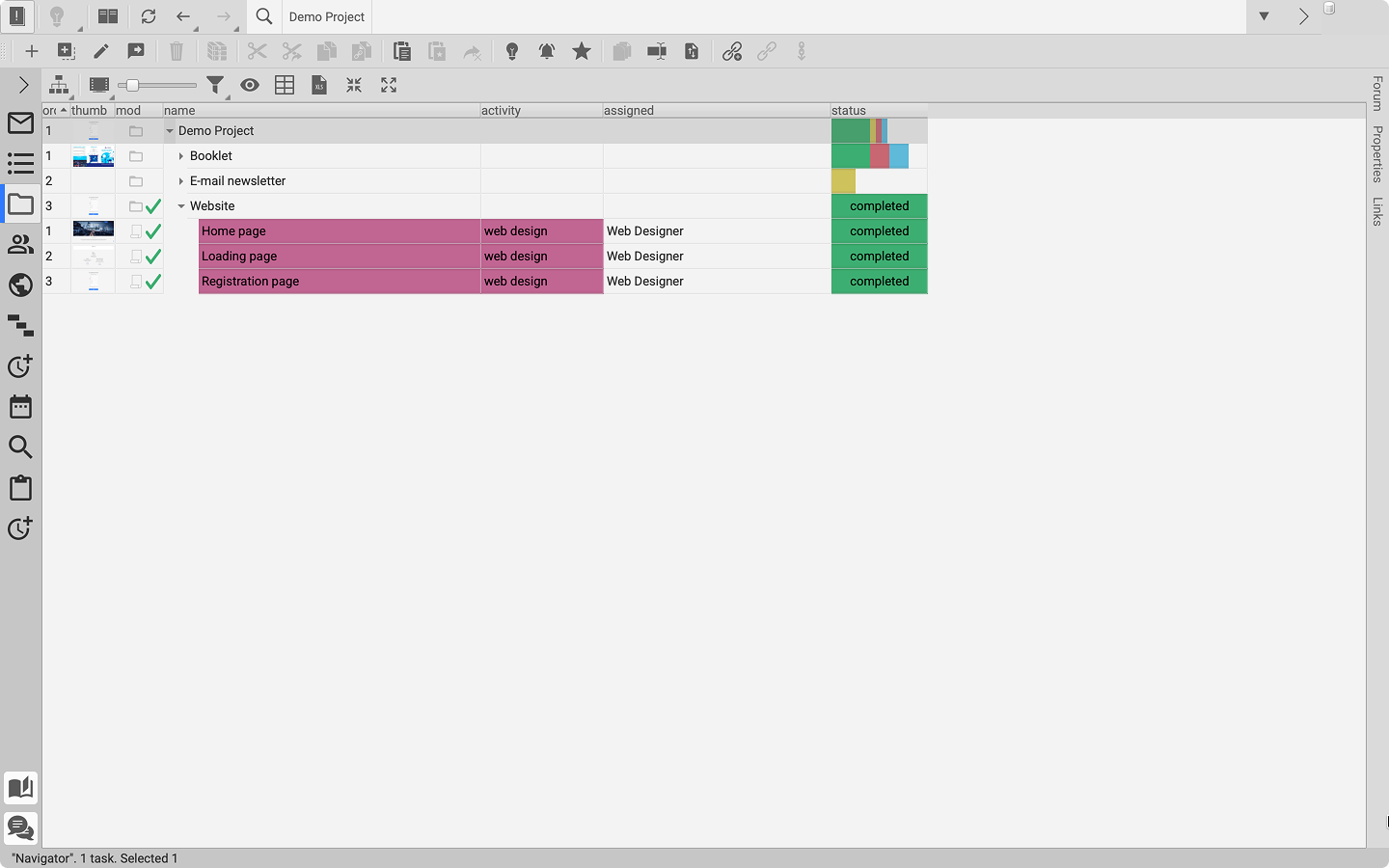
Desktop app
|
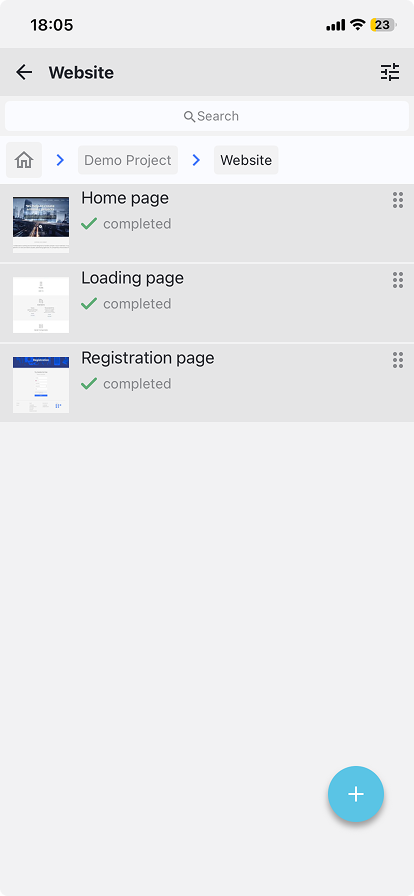
Mobile app
|
|
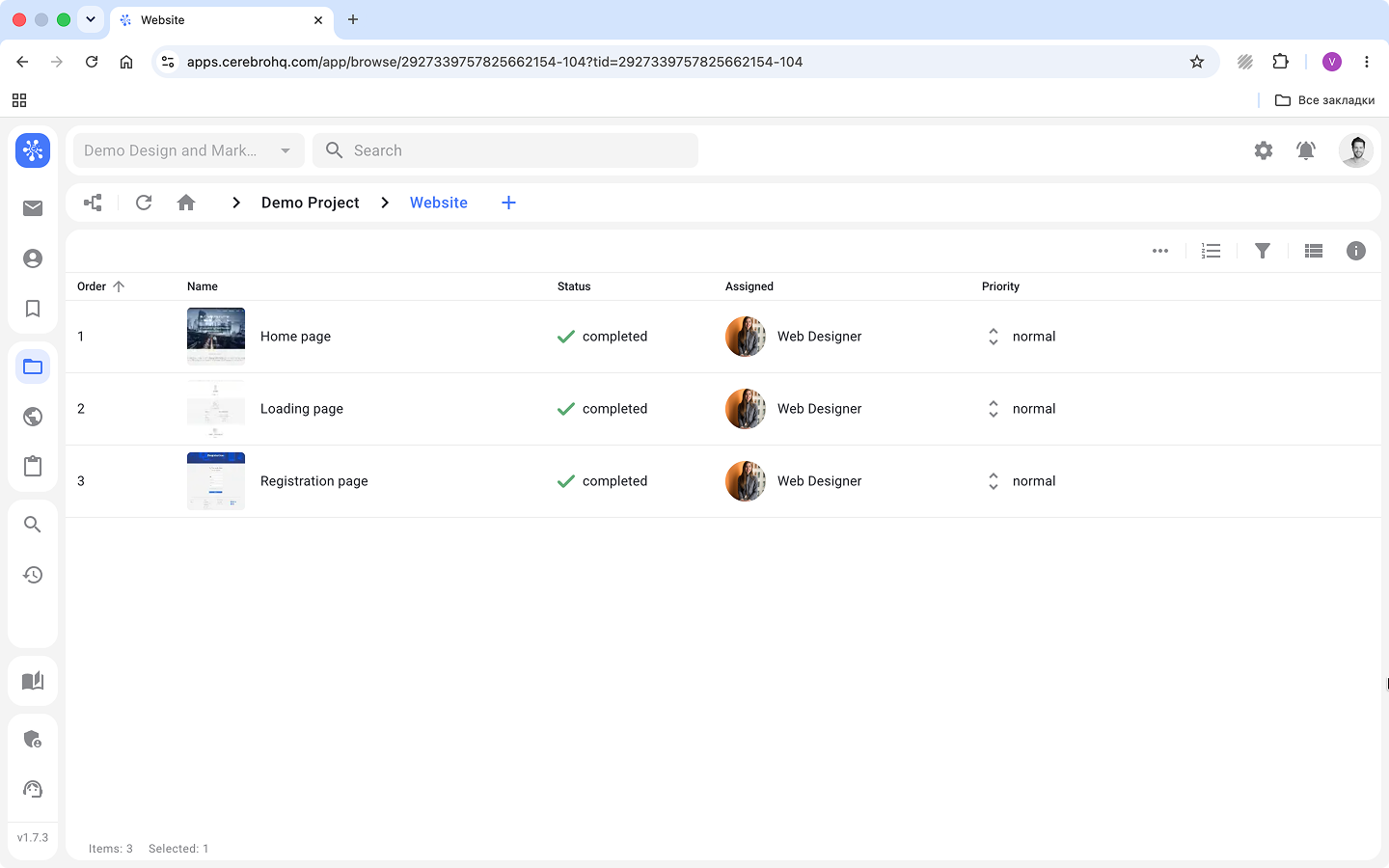
Web version
|
||
| Desktop app | Web version | Mobile app | |
|---|---|---|---|
| Platform | Windows / macOS / Linux | Any browser | iOS / Android |
| Installation | Required | Not required | Required |
| Primary use case | Full-scale project work | Managing projects on the go | Quick task tracking and updates |
| Project access | Full access | Full access | View-only & basic actions |
| Creating and editing tasks | No limitations | No limitations | Basic actions |
| Bulk task editing | Yes | Yes | No |
| Search and filters | Advanced | Advanced | Basic |
| Changing task statuses | Yes | Yes | Yes |
| Task Board (Kanban) | Full functionality | Full functionality | No |
| Planning and team workload | Yes | No | No |
| My Space | Yes | Yes | No |
| Mirada | Full functionality | In development | No |
| Roles and access rights setup | Yes | Yes | No |
| Reports and analytics | Yes | Yes | No |
| Task timer | Yes | Yes | No |
| Working with local files | Yes | Limited | No |
| Working with large files | Optimized | Limited | Not supported |
| Integrations via Tentaculo (Maya, Nuke, Photoshop) | Yes | No | No |
| Offline mode | Partially | No | No |
| Notifications | System notifications | Browser notifications | Push notifications |
| Long work sessions | Best suited | Suitable | Limited |
¶ How to choose the right version
Use the desktop app if you work with files, versions, plugins, and media review.
Use the web version if you need access to Cerebro without being tied to your work computer.
Use the mobile app if you need to quickly check tasks, follow updates, and make small changes on the go.
¶ How the versions work together
All versions use the same database.
You can start working on a project in the desktop app, open the same project in the web version, and keep track of tasks and notifications from the mobile app.
¶ Good to know
The mobile app is not a replacement for a full working environment. It is designed for quick actions and project control rather than full-scale project work.
¶ Integrations and review
Integrations with tools such as Maya, Nuke, and Photoshop via Tentaculo, as well as advanced media file review in Mirada, are currently available only in the desktop version.